The Five Second Rule Why Your Website Is Losing Customers Instantly
By TruScope Editorial
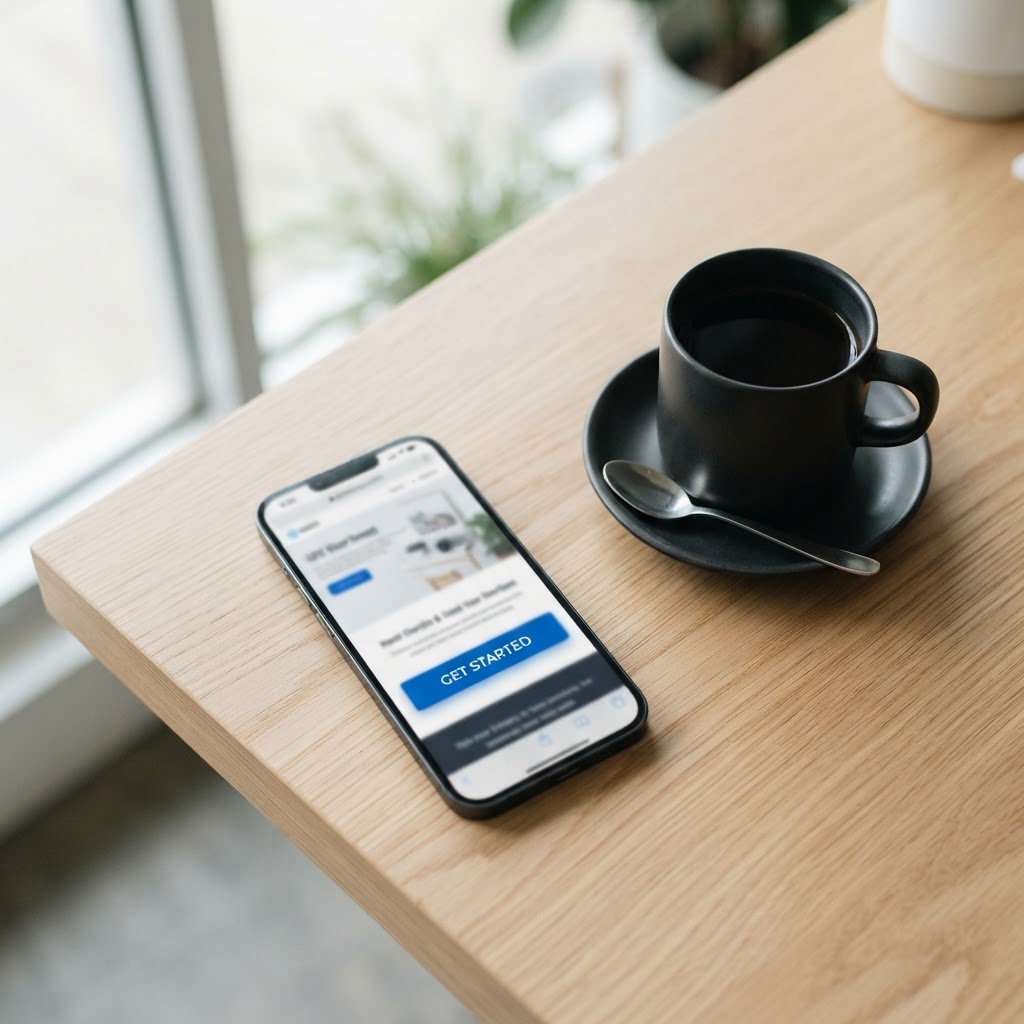
A modern digital presence is no longer optional — it is foundational.
You spent weeks picking the perfect font. You agonized over the logo placement. You wrote and rewrote your homepage copy a dozen times. And then a visitor lands on your site, looks at it for about four seconds, and leaves without clicking a single thing.
This isn't a rare, unlucky outcome. It's the default outcome for most small business websites. Research on first impressions has found that people form an opinion about a website in a fraction of a second, and that opinion is remarkably stable. According to reporting from the Springfield Business Journal, users decide whether they trust and like a site in well under a second, long before they've actually read any of the words on the page.
That means your beautifully written headline, your carefully chosen testimonials, your detailed service descriptions, none of it matters if the first visual impression tells a visitor this isn't worth their time. The good news is that this is fixable. It just requires understanding exactly what's happening in those first few seconds and designing around it on purpose, instead of hoping your site "looks professional enough."
What Actually Happens Inside a Visitor's Brain in Those First Few Seconds
When someone lands on your site, they are not reading. They are scanning. Human vision processes layout, color, and shape far faster than it processes language, so before a visitor absorbs a single word, their brain has already made a snap judgment based on visual cues alone.
That judgment answers three unconscious questions almost instantly. Is this a real, legitimate business? Does this look like it was made for someone like me? And is this going to be easy or annoying to use? If the answer to any of those feels off, even subconsciously, the visitor starts looking for the back button before they've consciously decided to leave.
This is why a site can have great content buried a few scrolls down and still bleed visitors. Nobody gets far enough to find it. The first screen a person sees, often called "above the fold" (a term borrowed from newspapers, referring to everything visible before you scroll), is doing almost all of the heavy lifting.
Why Visitors Leave Your Site So Quickly
If you've ever looked at your analytics and winced at the bounce rate, you're not alone. Most of the reasons visitors bail fall into a short list of predictable problems. The 123 Reg Blog points to slow load times, cluttered design, and unclear messaging as recurring culprits, and these show up again and again across small business sites regardless of industry.
- Slow page load speed, every extra second of load time increases the chance a visitor leaves before the page even finishes rendering
- A homepage that doesn't say what the business actually does within the first few seconds of viewing
- Design that looks dated or inconsistent, mismatched fonts, stretched images, or a layout that looks broken on mobile
- Pop ups or overlays that appear before the visitor has even seen the page
- No clear next step, the visitor doesn't know whether to call, book, buy, or scroll
Notice that none of these require a visitor to read your copy carefully or think hard about your offer. They're all things a person senses almost immediately, which circles back to the core problem. Most small business owners optimize their website for someone who is already paying close attention. But the first five seconds are won or lost by people who are barely paying attention at all.
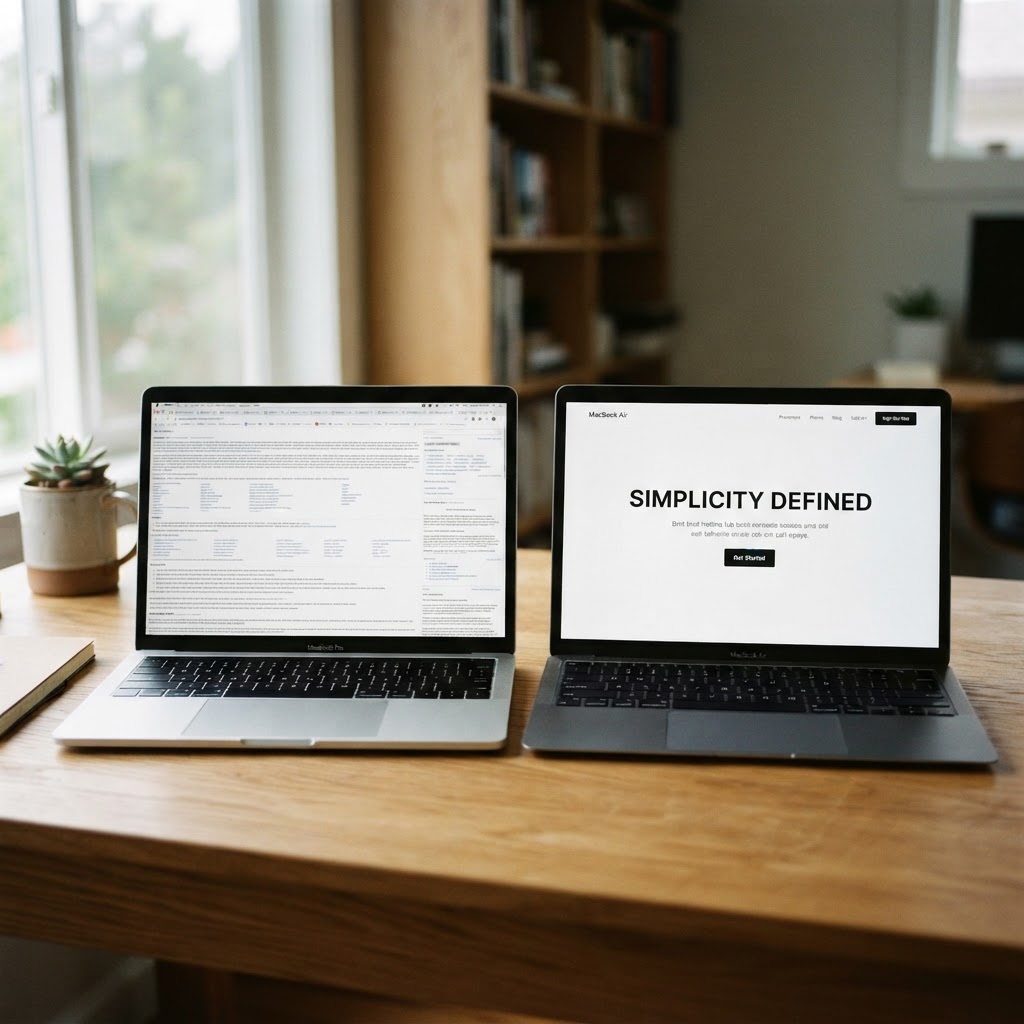
The Top Reasons Behind a High Bounce Rate
Bounce rate, the percentage of visitors who leave after viewing only one page, is one of the clearest signals that your first impression isn't landing. A high bounce rate doesn't always mean your traffic is wrong. Often it means the page they landed on failed the five second test.
- Weak or missing value proposition, visitors can't tell what makes this business different from the ten other tabs they have open
- No visual hierarchy, everything on the page competes for attention at once, so nothing actually gets it
- Mobile experience is an afterthought, text too small, buttons too close together, images that don't resize properly
- Trust signals are missing, no reviews, no recognizable logos, no real photos, nothing that says "a real business runs this"
- Navigation is confusing, visitors can't find pricing, contact information, or what they actually came looking for
- Irrelevant traffic, sometimes the bounce isn't a design problem at all, it's a mismatch between what an ad or search result promised and what the page delivers
That last point matters more than most business owners realize. If your Google ad promises "same day plumbing repair" and the landing page is your generic homepage with a rotating banner about your company history, visitors will bounce immediately, and it has nothing to do with your design skills. Matching the page to the promise is just as important as how the page looks.
Why Most Small Business Websites Fail to Convert Visitors
Getting someone to stay on your site is only half the battle. Plenty of small business sites hold attention for a minute or two and still fail to convert that visitor into a lead, call, or sale. Usually this comes down to a mismatch between what the business wants to say and what the visitor actually needs to hear to take the next step.
Most small business homepages are written from the inside out. They talk about the company's history, mission, and credentials before ever addressing the visitor's actual problem. A visitor doesn't care that you've been "serving the community since 1998" in the first ten seconds of being on your site. They care whether you can solve their specific problem, right now, and whether they can trust you to do it.
The other common failure point is generic copy. Phrases like "quality service you can trust" or "your satisfaction is our priority" say nothing specific and could be copy pasted onto literally any competitor's site. Visitors have seen that language a thousand times, and it registers as noise rather than a reason to stay.
- Lead with the outcome, not the company, tell visitors what they'll get, not just who you are
- Be specific instead of generic, "emergency water heater repair within 2 hours" beats "reliable plumbing services"
- Show, don't just claim, a real photo of your team, your storefront, or your work carries more weight than a stock description of your values
- Make the next step obvious, one clear call to action per screen, not five competing options
Why Visitors Leave Without Taking Any Action
There's a specific, frustrating category of visitor that sticks around, scrolls through your whole page, seems engaged, and then leaves without clicking anything. This usually isn't a lack of interest. It's decision paralysis. Lean Labs points out that unclear calls to action and too many competing options are among the biggest reasons engaged visitors still leave empty handed.
Think about how many small business homepages have a navigation bar with eight menu items, a hero section with two buttons, a secondary banner with another button, and a footer with three more links. That's a lot of choices for someone who just wants to know if you can help them and how to reach you. When people face too many options with no clear hierarchy, the easiest decision is often to make no decision at all, and close the tab.
- Reduce the number of calls to action on each screen to one primary option
- Make buttons describe the outcome, "Get a Free Quote" works better than a vague "Submit"
- Remove friction from forms, every unnecessary field is a reason to abandon
- Reassure visitors right before the action point, a short line like "no obligation, takes 2 minutes" next to a form can measurably reduce hesitation
The Five Things That Need to Be Visible Without Scrolling
Given everything above, there's a short, practical checklist of what actually needs to exist on that first screen a visitor sees. If any of these are missing or buried, you're asking visitors to do work they're not willing to do.
- A headline that states exactly what you do and for whom, in plain language, no clever wordplay that requires decoding
- A subheadline that adds the specific benefit or differentiator, why this business over the alternative
- A single, clear call to action button that stands out visually from everything else on the page
- A trust signal, a review count, a recognizable client logo, a certification badge, or a real photo of the business
- Fast load speed and a layout that renders correctly on mobile, since most small business traffic now arrives on a phone
Notice that none of these items require fancy design work or a big budget. They require clarity and discipline, which is often harder to pull off than it sounds, because business owners tend to want to say everything at once. The first screen isn't the place for everything. It's the place for the one thing that earns the scroll.
How to Test Whether Your Site Actually Passes the Five Second Rule
The hardest part of fixing this problem is that you can't objectively judge your own homepage. You already know what your business does, so your brain fills in gaps a stranger's brain won't. You need outside eyes, and ideally, some real data.
- Run an actual five second test, show your homepage to five people who've never seen it for five seconds, then ask them what the business does and what they'd click next
- Check your bounce rate and average time on page in Google Analytics, a bounce rate well above your industry norm on your homepage is a signal worth investigating
- Use a heatmap tool like Hotjar or Microsoft Clarity to see where people actually look and click versus where you assumed they would
- Test your page speed with Google PageSpeed Insights, since load time directly affects how many people even see your carefully designed first screen
- Pull up your own site on a phone, on mobile data, not wifi, and time how long it actually takes to load
The five second test in particular is worth doing properly rather than skipping. Ask friends, family, or even strangers in a local Facebook group to look at your homepage for exactly five seconds and then write down what they remember. If they can't tell you what you do or what to do next, that's not a coincidence. That's the page telling you exactly what to fix.

Take Action: A Quick Audit You Can Run Today
You don't need a full redesign to start improving your first impression. Most of the fixes above can be tested and implemented within a week, especially if you're working off a platform like WordPress, Squarespace, or Webflow where changes don't require a developer for every tweak.
Let's build something remarkable.
Websites, apps, marketing, and intelligent systems built around what your business needs next.
Let's Grow My Business